Yes. I’ll admit it. I’ve been incredibly slack in making regular posts.
That’s one of the reasons I’ve been looking into productivity/blogging tools, which I thought I’d share with you all.
If you’ve used any of the following, of if you have other tools to share, I’d love to hear in the comments below.
Now, in no particular order, here come the links:
Grammarly
Pitching itself as the world’s best grammar checker, this website contains an automated proofreader and says it can act as “your personal grammar coach.” Apparently, it can catch up to 10 times more mistakes than normal error checkers. I am yet to really put it to the test, having only used it for little pieces, but it does seem to do a good job. I think I’ll give it a go at sections of my Honours project next.
750 Words
Bowling scores for how much you write? Sounds like fun, but how does it really work? From the website itself:
Every month you get a clean bowling-esque score card. If you write anything at all, you get 1 point. If you write 750 words or more, you get 2 points. If you write two, three or more days in a row, you get even more points. How I see it, points can motivate. It’s fun to try to stay on streaks and the points are a way to play around with that. You can also see how others are doing points-wise if you’re at all competitive that way.
Now, I haven’t used this one at all myself, but I thought it looked good, so I’m going to give it a go this coming month and I’ll get back to you with my findings.
HemingwayApp
Genius. Pure, unadulterated genius. This app has really given me a new zest for editing my work, which was something I have always loathed. If, like me, you really dislike editing or reviewing your written pieces, then this will make the chore colourful and easy! Each colour equates to a different focus of editing, meaning you can write clearly and concisely without breaking into a sweat! All of the love for this one. Give it a go and let me know if you love it too.
 Written?Kitten!
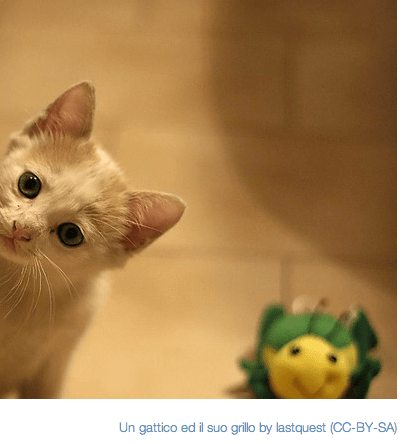
Have a deadline you’ve been ignoring for ages? Got an assignment you just want to forget exists? How’s that report going? Still not started? Allow me to introduce “Written? Kitten!” No spoilers for this one. You just have to go and use it. Let’s just say, I love this one even more than the HemingwayApp, despite it not necessarily being anymore productive than watching YouTube cat videos…
Got a tip or tool for staying productive in the face of ennui and eternal word counts? Share it in the comments below!


 Nephthys Nile